Grade 1 Short Vowel Phonics PowerPoint.
Members Only ESL PowerPoint Grade 1
No ratings yet

Grade 1 Short Vowel Phonics PowerPoint.

About This Resource

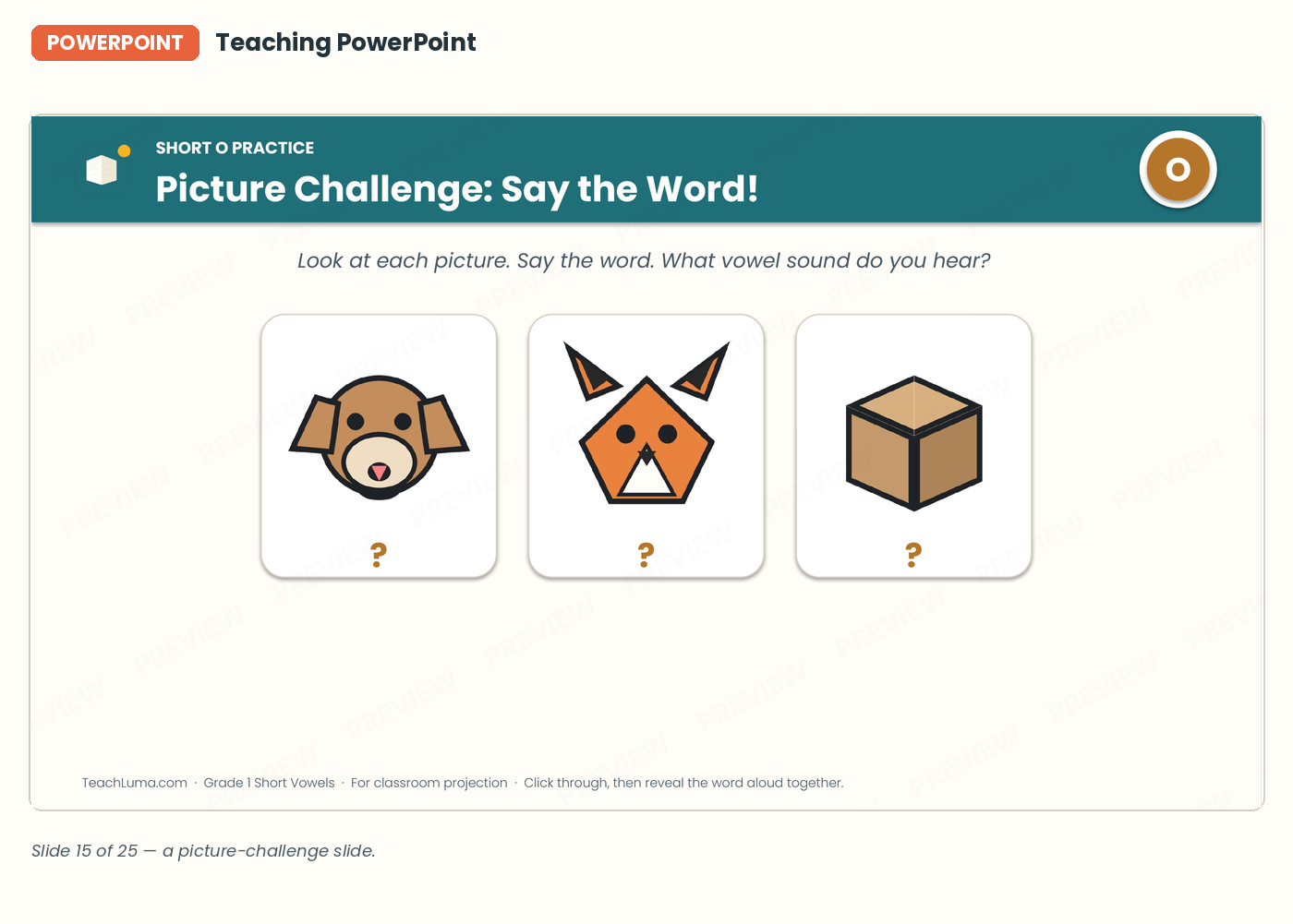
A 25-slide, projector-ready PowerPoint that teaches all five short vowel sounds one at a time, with a picture-guessing challenge and mixed-vowel review slides built in.

Overview

A full teaching presentation for the projector or interactive whiteboard, introducing the five
short vowel sounds one at a time with a consistent "Today's Sound" slide format, a picture-guessing
challenge for each vowel, and review rounds that mix all five sounds together.

What's included: a title slide, five vowel-introduction sequences (one per short vowel), picture
challenge slides, and mixed-vowel review slides.

How it fits into a lesson: used during the "explicit teaching" step of each vowel lesson in the
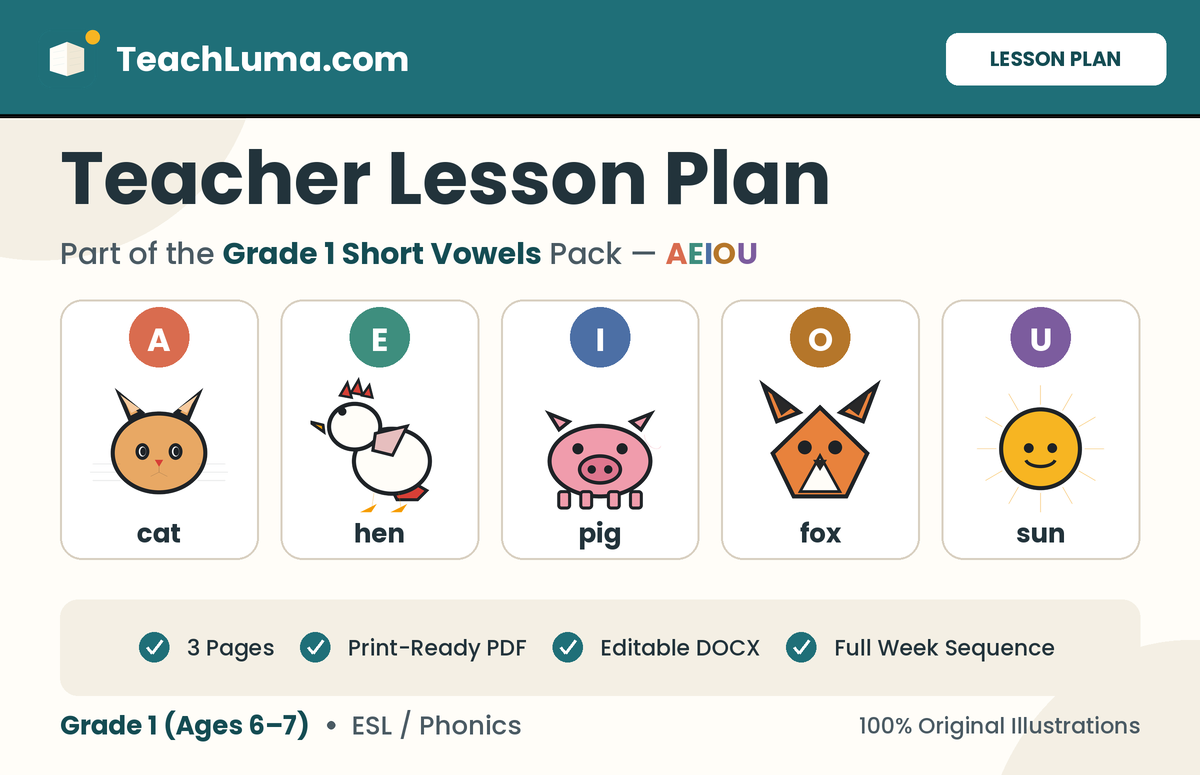
Teacher Lesson Plan — project it, introduce the sound, and use the picture-challenge slides for
call-and-response practice before moving to guided practice.

What students will practice: hearing a short vowel sound named and modeled, connecting it to a
letter, and identifying it in pictured CVC words as a whole class.

Recommended grade/age: Grade 1, ages 6–7 (also suitable for ESL/EFL learners).

Recommended teaching time: 10–15 minutes per vowel introduction; the full 25-slide deck spans the
whole unit when used across all five lessons plus review.

Resource Details

Subject
ESL
Topic
Phonics
Category
Phonics
File Type
PPTX
File Size
922.2 KB
Published
14 Sep 2026
Downloads
0

Members Only

Upgrade to Teacher Pro (from ฿199/month) to download this resource.

Share:

Grade 1 40-50 Minutes Phonics

Lesson Sequence

  • Project the deck for the whole class; it is designed for a screen or interactive whiteboard,
  • not for printing.
  • Use the title slide to open the unit, then jump to the relevant vowel's introduction slides for
  • that day's lesson.
  • On each "Today's Sound" slide, say the sound together as a class before moving to the picture
  • challenge.
  • Use the picture-challenge slides for call-and-response: show the picture, have students say the
  • word, then reveal or discuss the vowel sound.
  • Use the mixed-vowel review slides on the review day, once all five vowels have been introduced.
  • The file is a fully editable PPTX — teachers can reorder, hide, or duplicate slides to match their
  • own pacing.

Classroom Activities

  • Whole-class call-and-response: show a picture-challenge slide, have the whole class say the word together, then call out the vowel sound before revealing the answer.
  • Team review round: split the class into teams and use the mixed-vowel review slides as a quick-fire competition, awarding a point for the first correct vowel call-out.
  • Projector warm-up: open on a review slide from a previous vowel at the start of class as a 2-minute warm-up before introducing the new sound.
  • Student presenter: let a confident student control the slide advance while the teacher leads the call-and-response, building classroom ownership of the routine.

Teacher Tips

Pause on each "Today's Sound" slide long enough for every student to say the sound out loud at least once before moving on — resist advancing the slide too quickly just because the picture challenge is more visually exciting; the sound-naming repetition is what builds the sound-letter connection.

Learning Objectives

  • Students will say each short vowel sound aloud with the class from a modeled example.
  • Students will connect a short vowel sound to its written letter.
  • Students will identify the vowel sound in a pictured CVC word during a whole-class challenge.
  • Students will distinguish between short vowel sounds during a mixed-vowel review round.

Differentiation

SUPPORT
Slow down the picture-challenge slides and allow students to point to the vowel letter rather than say
it aloud if speaking is a barrier; repeat a "Today's Sound" slide a second time before moving on.

ON LEVEL
Use the deck at its designed pace, one vowel introduction per lesson.

CHALLENGE
On a review slide, ask a stronger student to generate one more example word for the vowel shown
before the class moves to the next slide

Assessment

The PowerPoint itself is a teaching tool, not a scored assessment — teachers can informally
gauge understanding by how quickly and accurately students respond to the picture-challenge and
review slides. Follow up with the Review Quiz or the Assessment for a formal, scored check.

What's Included

  • A 25-slide, fully editable PowerPoint (PPTX) file, ready to project as-is or customize.

Teacher Reviews

No ratings yet

Be the first teacher to review this resource.

Sign in to review this resource.

Related Resources

Free Grade 1

Grade 1 Phonics Lesson Plan

Lesson Plan · Phonics (Short Vowels)

The full teaching plan behind the Grade 1 Short Vowels unit: a step-by-step sequence for a...

View Resource
Free Grade 1

Beginning Sound Sort Worksheet

Worksheet · Sound Sort Worksheet

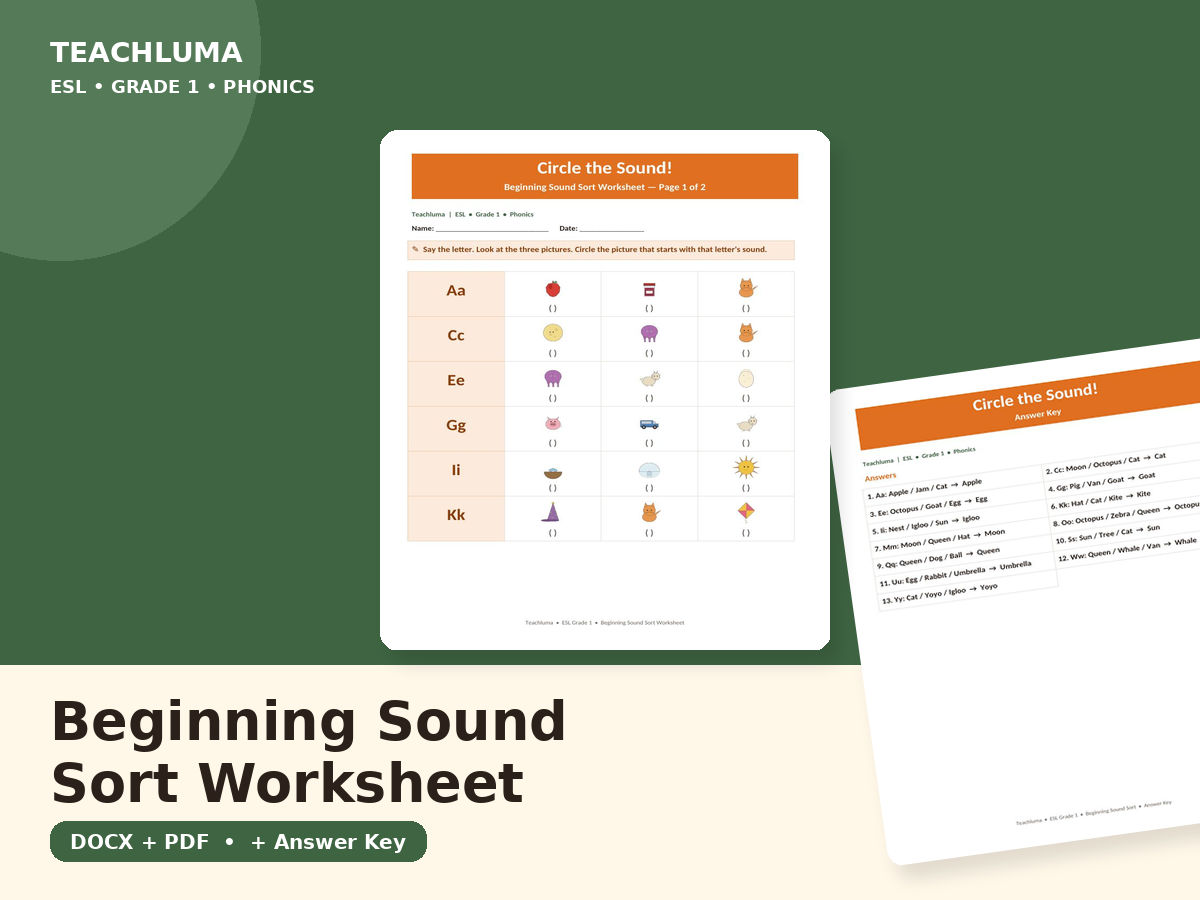
A two-page, 13-item worksheet covering a representative span of the alphabet, where studen...

View Resource
Members Grade 1

Numbers — Vocabulary PowerPoint

PowerPoint · Numbers

A 28-slide whole-class lesson introducing numbers 1-20, with a warm-up, one dedicated slid...

View Resource
Members Grade 1

Greetings and Introductions — Vocabulary PowerPoint

PowerPoint · Greetings and Introductions

A 17-slide whole-class lesson (PPTX + PDF) covering all ten unit greetings with a warm-up,...

View Resource
Members Grade 1

Alphabet Sounds PowerPoint Deck

PowerPoint · Alphabet Sounds

A 33-slide whole-class lesson deck covering every letter of the alphabet, with a warm-up, ...

View Resource
Members Grade 1

Classroom Objects — Vocabulary Lesson PowerPoint

PowerPoint · Classroom Objects Vocabulary

A 17-slide, teacher-led PowerPoint lesson that introduces all ten classroom object words o...

View Resource

Advertisement